
Need to collect survey data straight from your phone or tablet? These five field apps have got you covered.
The thing is, not every project is the same — and different jobs need different ways of collecting information on the ground. One day you might just need a simple dropdown menu; another day you might be chasing down your exact GPS coordinates.
Whether you’re dealing with inspections, running a field survey, or managing assets out in the field, the right app makes all the difference.
So let’s break it down. Here are five solid field apps worth knowing about, each with its own strengths for mobile GIS data capture.
1. Esri Collector & Survey123 – The Dynamic Duo for Field Data Collection
Built by Esri, Collector and Survey123 are basically two sides of the same coin when it comes to gathering data out in the field. They work hand-in-hand, each with its own sweet spot.
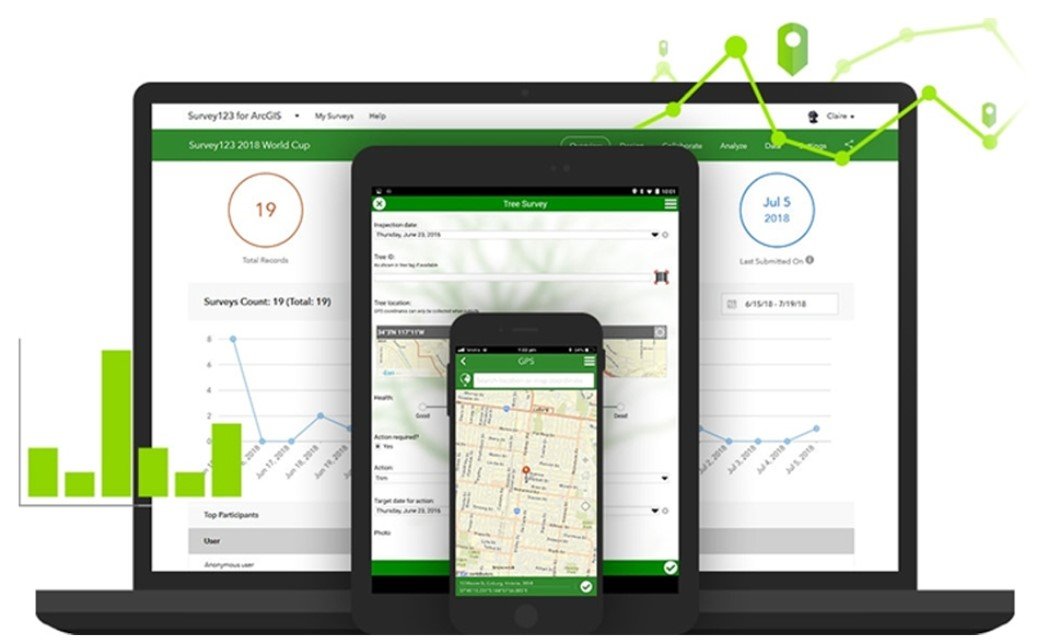
Survey123 is your go-to when the job is all about forms. Think simple, clean data entry. You can set it up with all the little things that make field surveys easier — dropdown menus, geopoints, even barcode scanning. Its pop-up display in the field is fully customizable, so your team only sees what they actually need to fill in. No clutter, no confusion.
Collector, on the other hand, is the powerhouse for working with maps — online or offline. Need to snap a photo of an asset, update a feature right then and there, or quickly search for a location? Collector handles all of that smoothly. It’s built for those times when you need more than just a form — you need a full map experience in your hands.
How they sync up: Once a survey is completed in the field, everything gets pushed to the cloud through ArcGIS Online. But here’s the kicker — they both work offline too. Your entries sit safely as local files and sync up the moment you’re back online. Easy, reliable, and built for the real world.
2. QField – The Open Source Powerhouse
If open source is your thing, QField deserves a spot on your radar. Built by the team behind QGIS — yaani the second most popular GIS software out there — this Android app brings solid mobile data collection to your fingertips.
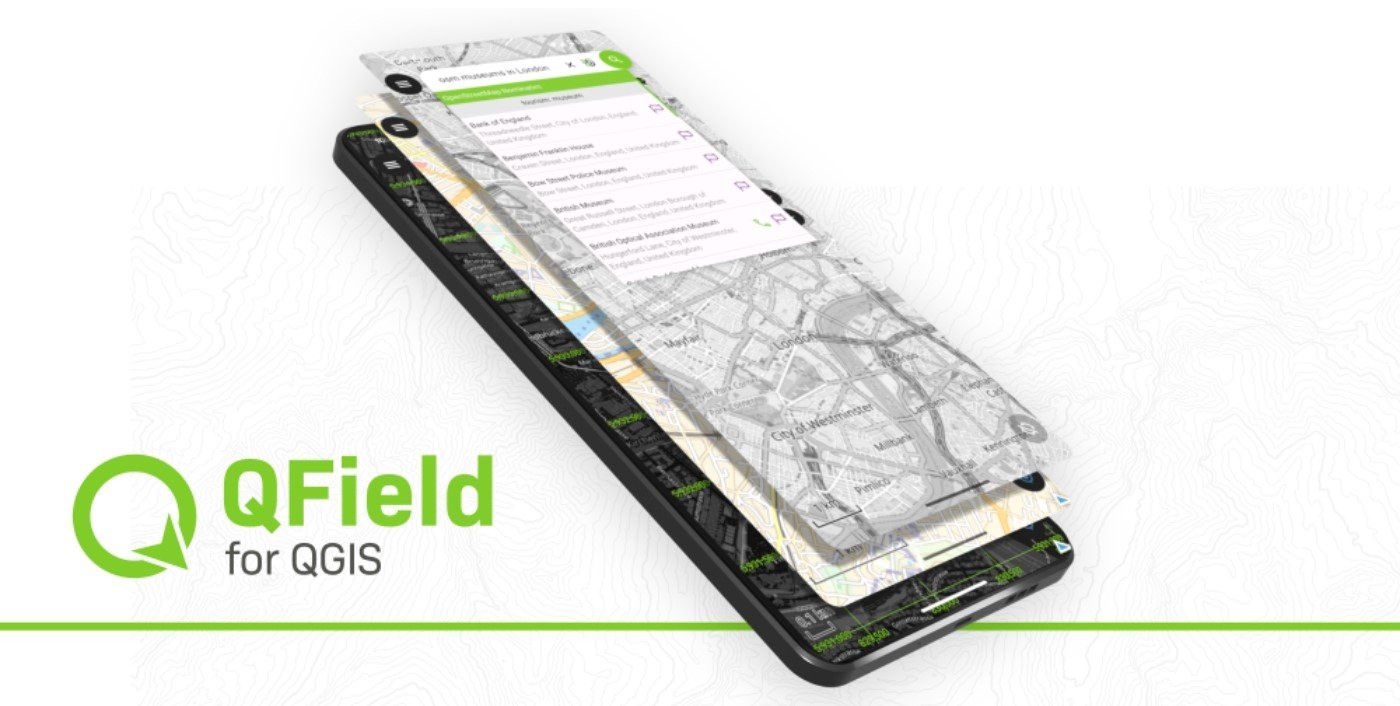
Sure, it’s the new kid on the block compared to some other apps on this list, but don’t let that fool you. QField packs a punch with features that actually matter in the field. Need to set up custom forms? Done. Want to snap photos on the go? Easy. Have your own custom maps ready to use offline? QField handles that too.
Here’s where it really shines: the seamless connection with QGIS Desktop. You simply take your existing QGIS project, and the QField Sync plugin does a quick analysis — it’ll even suggest tweaks to make sure everything runs smoothly in the field. No guesswork needed.
Once you’ve wrapped up your fieldwork, just copy the data from your phone back to your desktop and overwrite the original project. All those field updates? The notes, the photos, the GPS stamps? They all become part of your project, safe and sound.
It’s simple, open source, and surprisingly feature-rich. For QGIS users especially, this one’s a gem.
3. Mergin Maps: QGIS in Your Pocket
Mergin Maps is a free, open-source mobile application designed to simplify field data collection on smartphones and tablets. With its clean and user-friendly interface, it allows even beginners to capture geospatial data without requiring prior training.
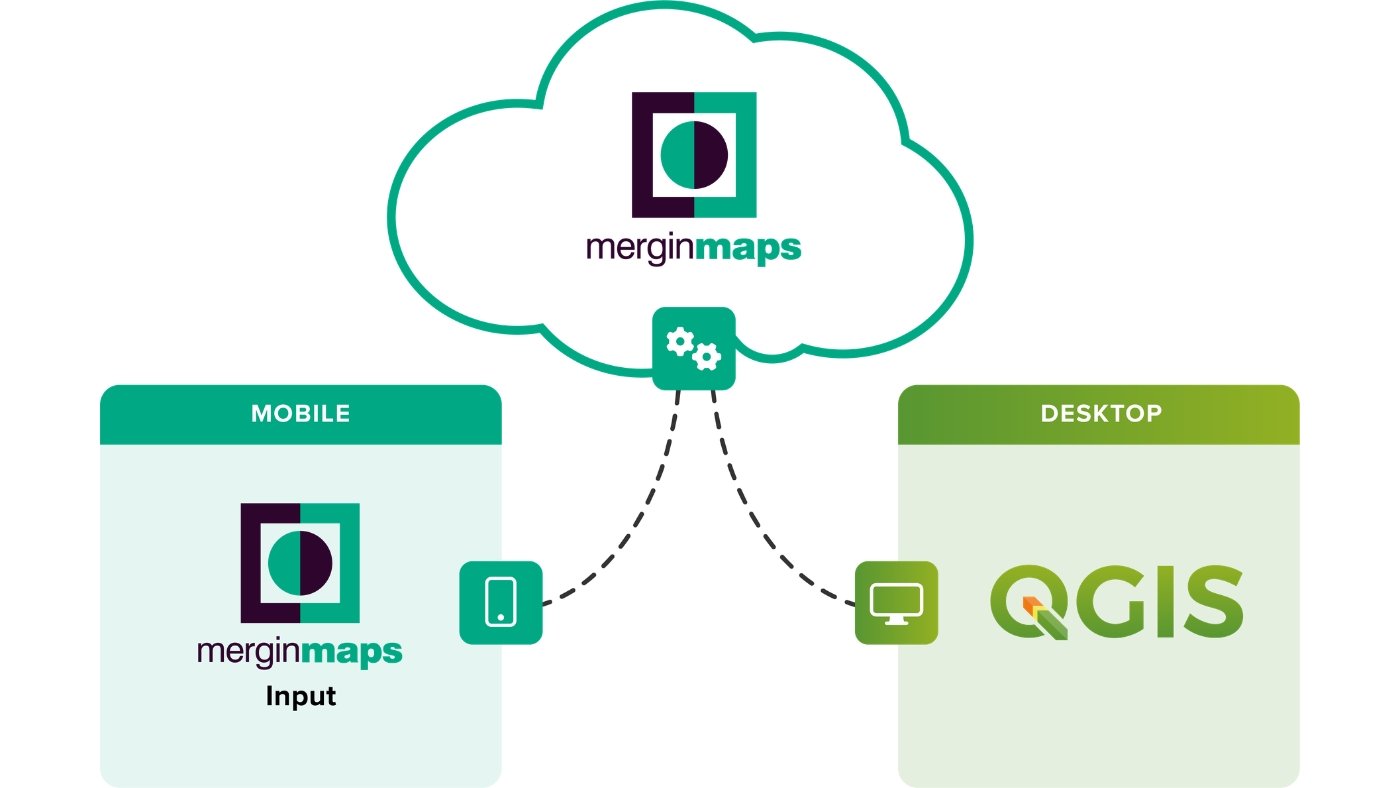
The app supports seamless collaboration through its GIS data versioning platform, making it easy to synchronize data between multiple devices—no cables needed. Changes made by different users in the field are automatically merged, ensuring data consistency with minimal effort.
Despite its simplicity, Mergin Maps offers powerful features such as collecting point, line, and polygon data, displaying real-time location on background maps, compatibility with external GPS devices, capturing geotagged photos, and even barcode scanning.
It integrates closely with QGIS, allowing users to open and edit QGIS projects directly within the app. Likewise, data collected in Mergin Maps can be easily transferred back into GIS software for further analysis. The app also works offline and is available on both Android and iOS platforms.
4. Fulcrum: A Powerful Field Data Collection App
Fulcrum is a polished and efficient option among field data collection apps. It consists of two main components. The first is the mobile app, which can be installed on your smartphone and used directly in the field for capturing and managing data.
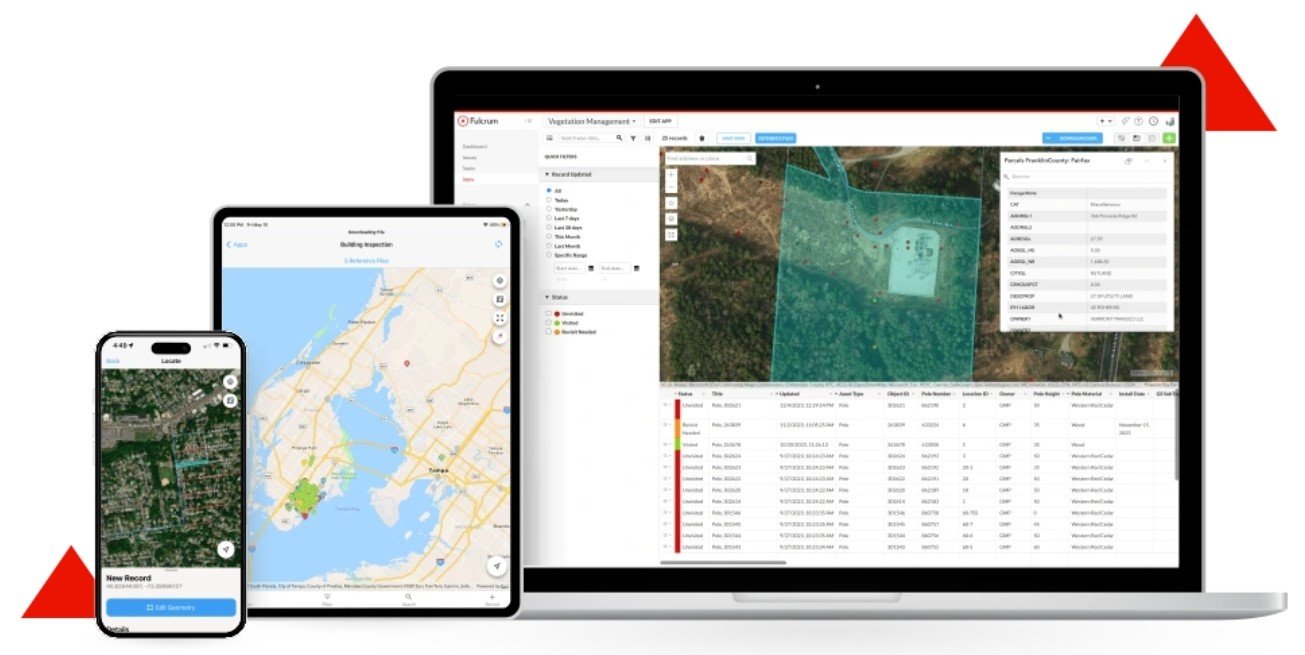
The second component is the Fulcrum dashboard, which provides a centralized platform to monitor and manage all field activities. Through the dashboard, users can easily search, filter, edit, import, and export data, making workflow management smooth and organized.
One of Fulcrum’s key strengths is its integration with Google Maps, giving users access to over 100 million addresses and points of interest. This ensures highly accurate and up-to-date geolocation data while working in the field.
Fulcrum is also known for its intuitive interface and strong editing capabilities, making it suitable for both beginners and professionals. While it offers a free trial, its pricing typically ranges from $25 to $50 per user per month, depending on the plan.
5. GIS Cloud: Flexible and Cost-Effective Field Data Collection
GIS Cloud is a versatile field data collection platform known for its flexible and competitive pricing model. Users can choose plans based on their needs, with the mobile data collection plan starting at around $20 per month for a single user. Additional options, such as the map editor, are available at higher price points, typically around $55 per month.
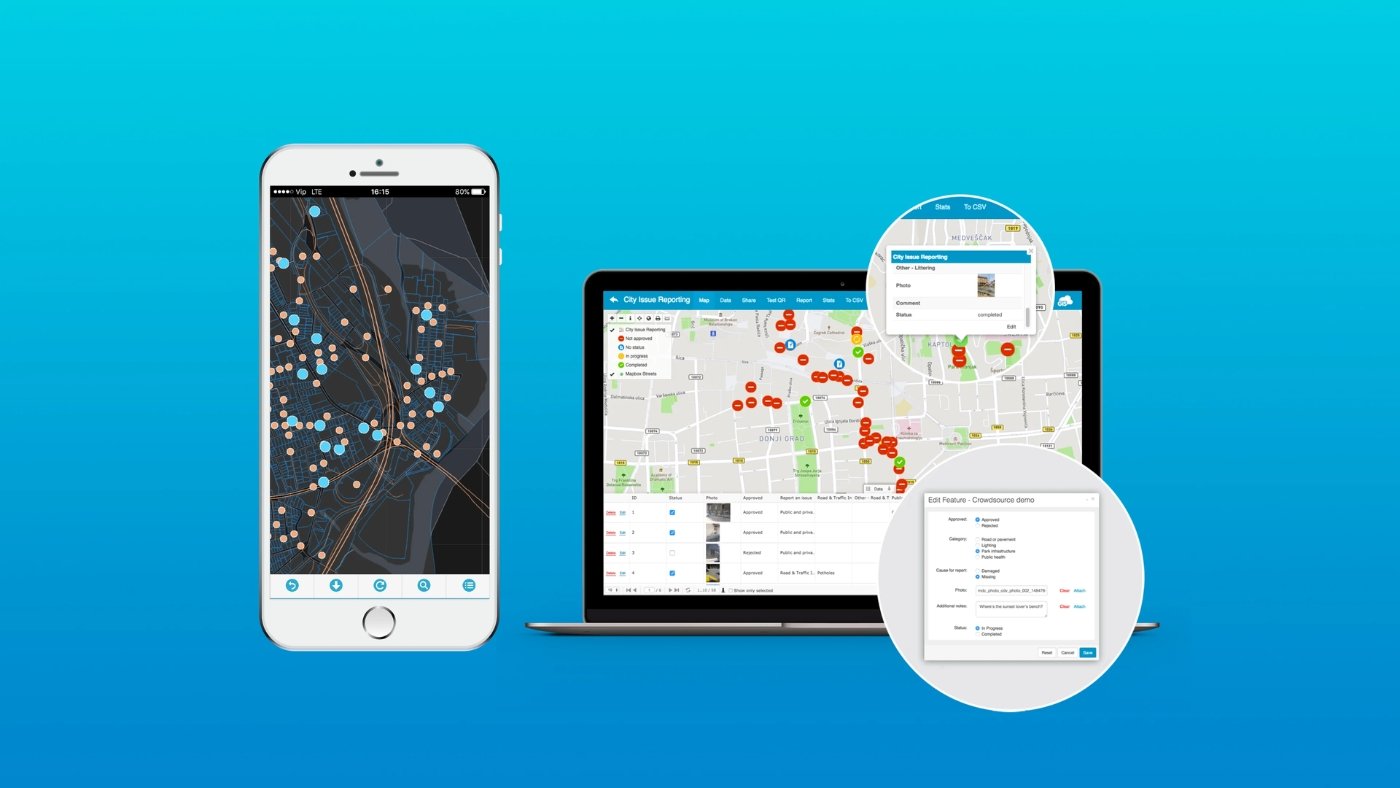
One of the standout features of GIS Cloud is its ability to function both online and offline. This makes it especially useful for working in remote areas where internet connectivity may be limited or unreliable.
The platform provides a fast, user-friendly, and scalable solution for field data collection. It supports capturing multiple types of spatial data, including points, lines, and polygons, making it suitable for a wide range of GIS applications.